# Rebasing changesets
Learn how to rebase your existing changesets.
This feature is supported for Sourcegraph versions 6.2 or more.
If your codehost requires changesets to be up to date with the main branch, you can use the rebase functionality of the Web UI to update the changesets.
Rebasing does not resolve merge conflicts.
## Requirements
- Sourcegraph instance with repositories in it. See the [Quickstart](/#quick-install) guide on how to set up a Sourcegraph instance
- A [global service account token](/batch-changes/configuring-credentials#global-service-account-tokens) for Batch Changes (**a personal access token cannot currently be used for importing changesets**)
## Select changesets to rebase
After navigating to the changesets of your batch change, select one or more **published** changesets to rebase. You can only rebase changesets after they have been published to the codehost.
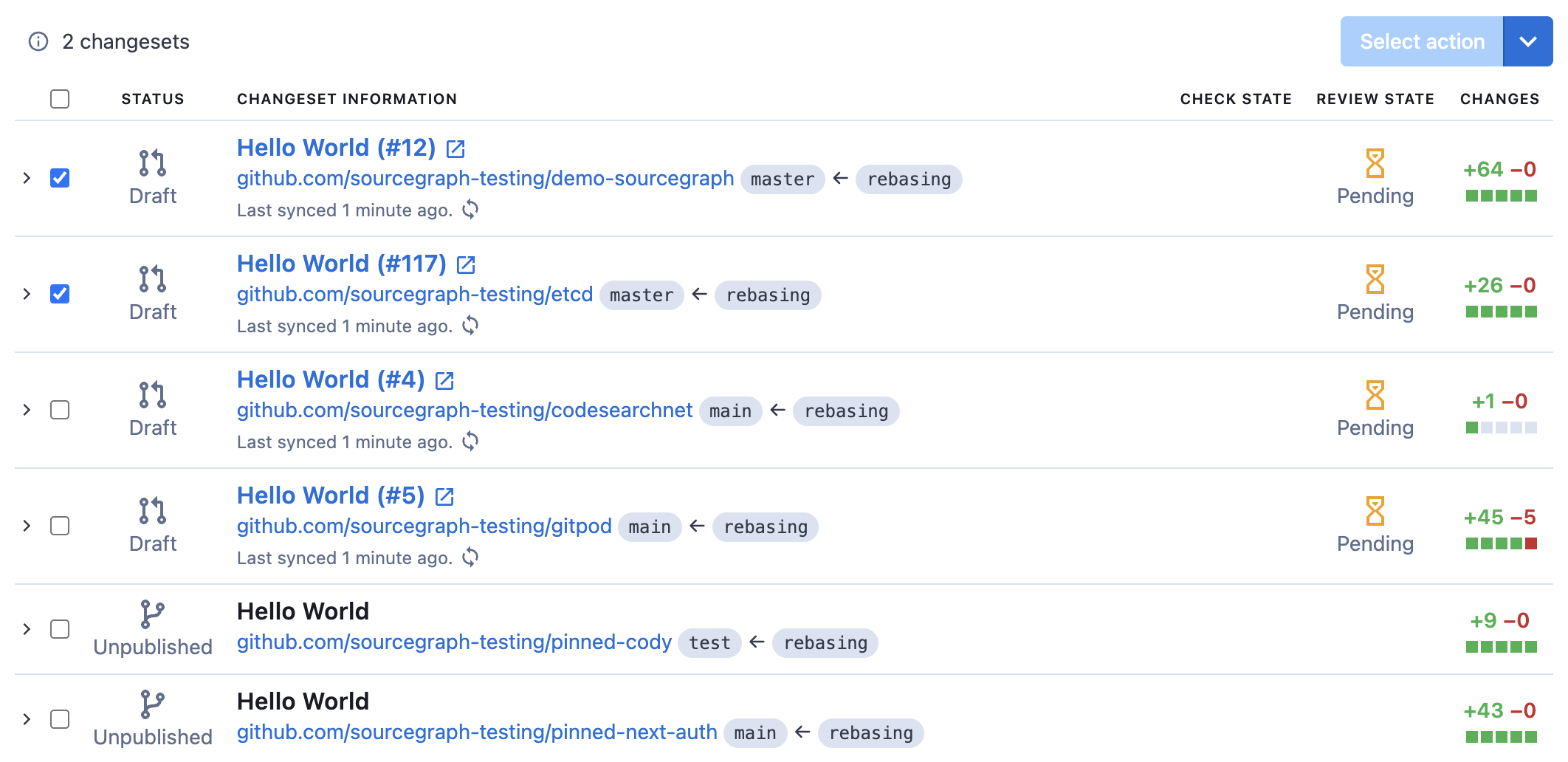
If a changeset is already up to date with the main branch, rebasing will result in no changes.
## Start the rebase bulk operation
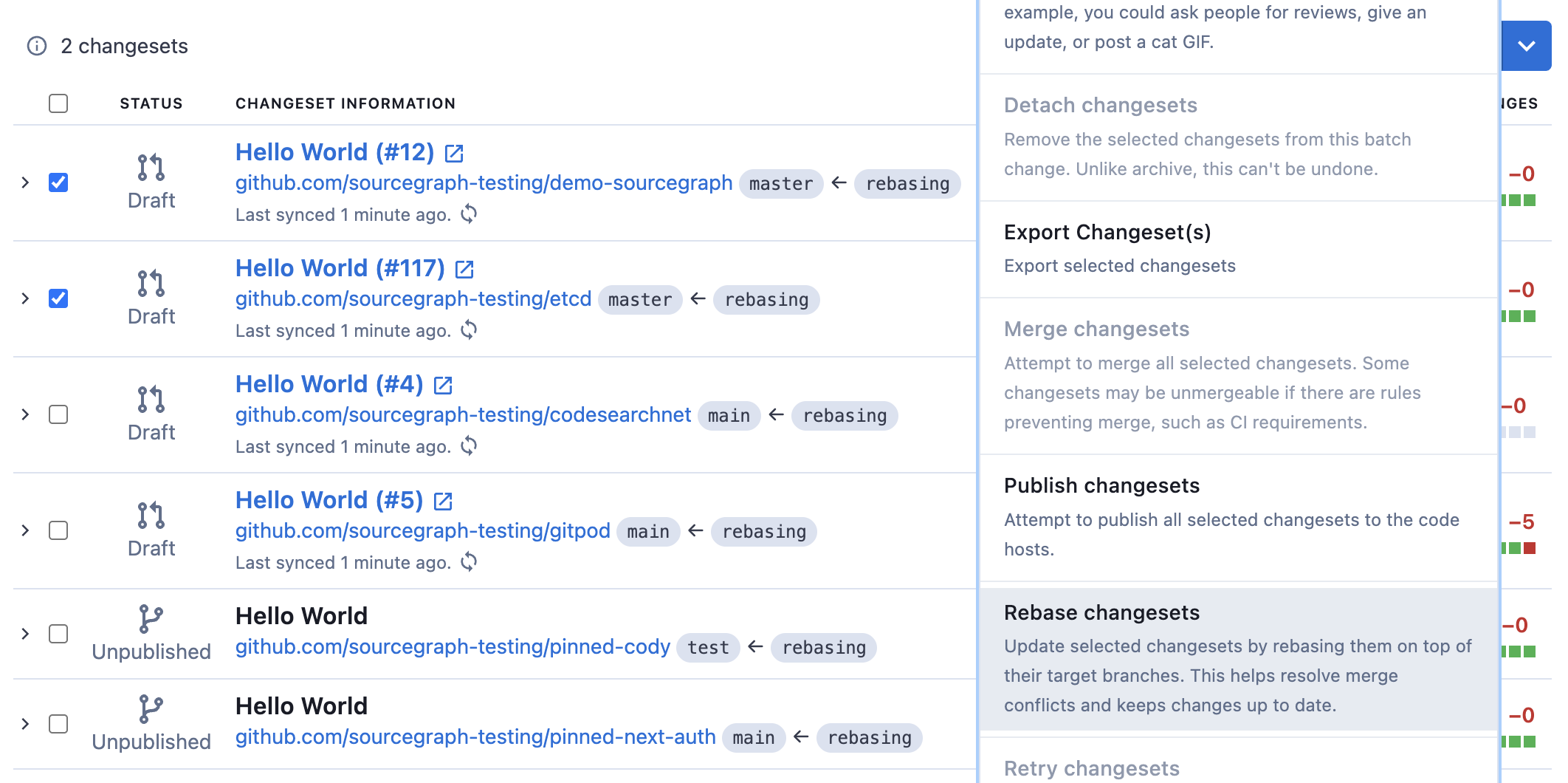
With all applicable changesets selected, click the **Select action** button, and then select **Rebase changesets**.
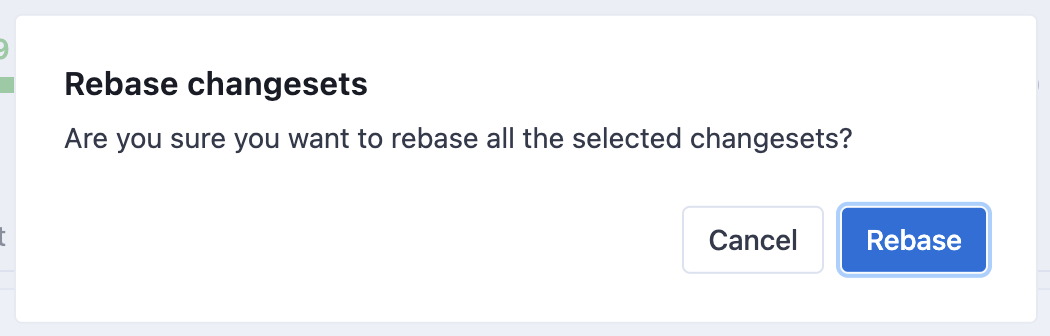
Confirm the popup to start the rebase bulk operation.
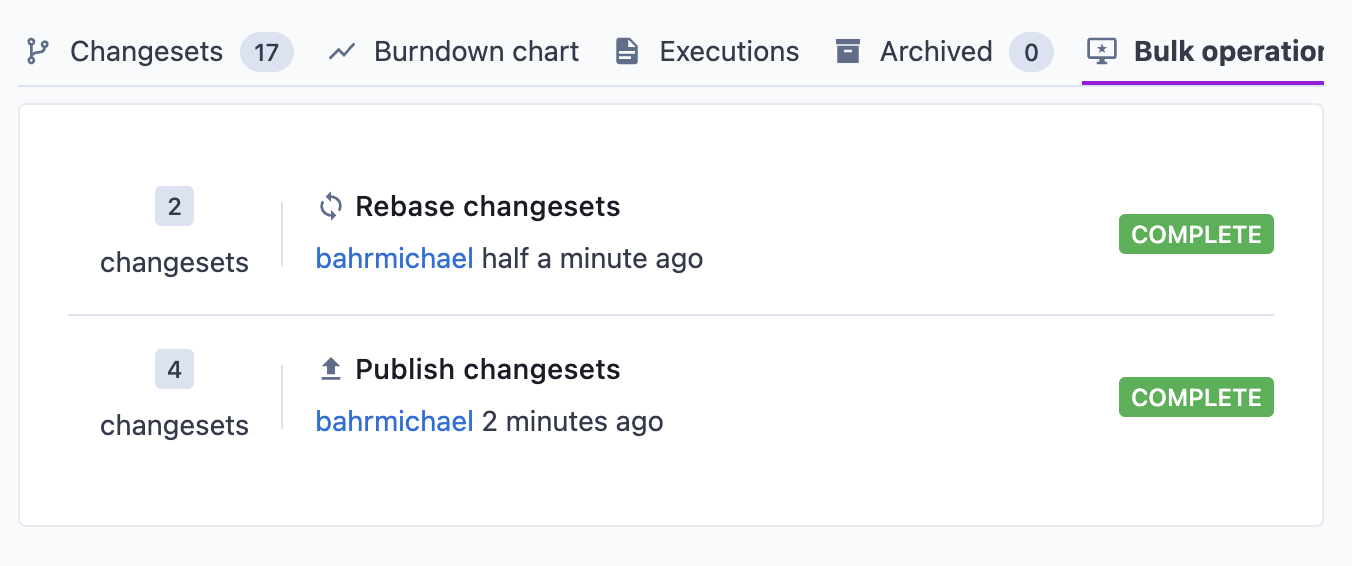
You can see the progress of the rebase operation in the **Bulk Actions** tab.